⬅ Back

Creating your own podcast feed

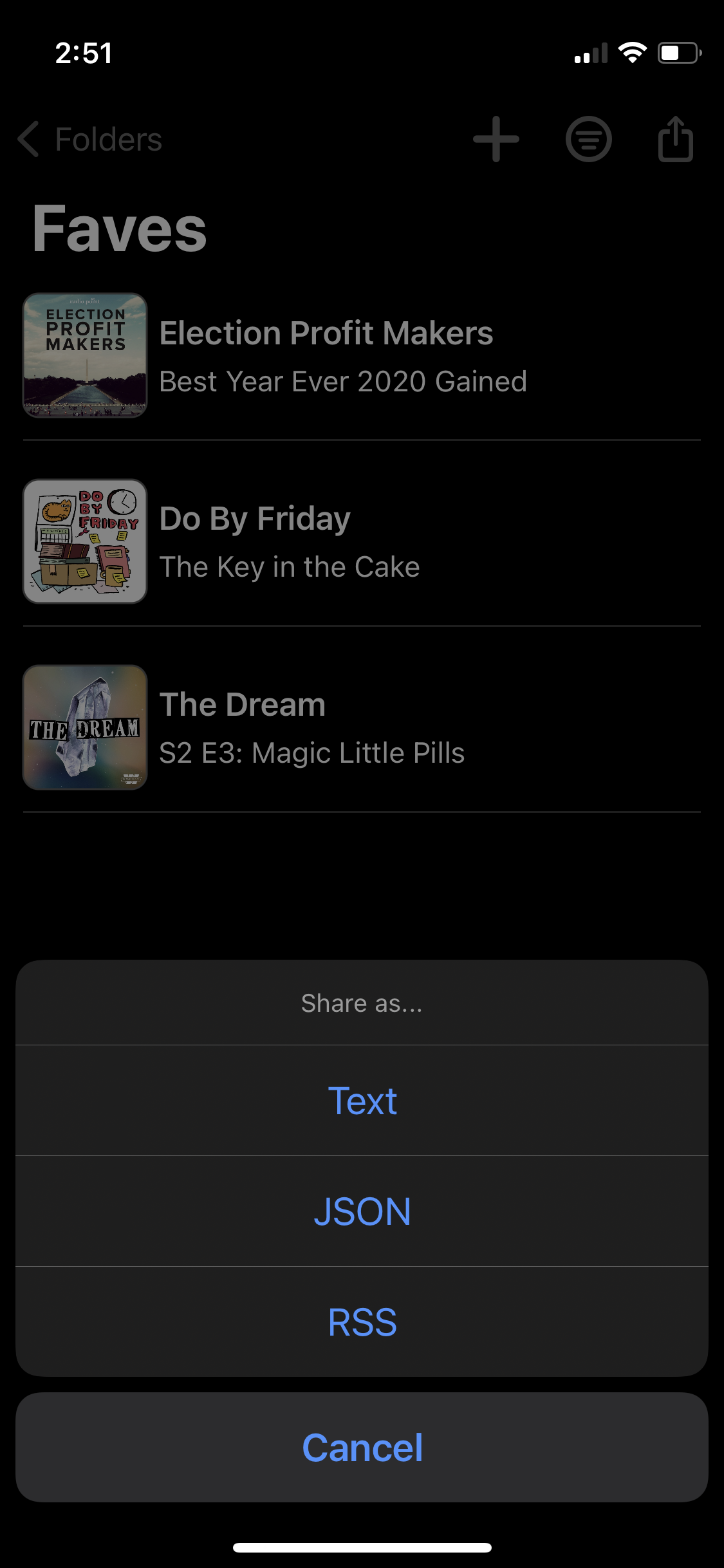
Podmark allows you to bookmark podcasts. Once you have a list, you can export that list as text, JSON, or RSS.

I use the RSS export to create my own podcast feed of my favorite episodes.
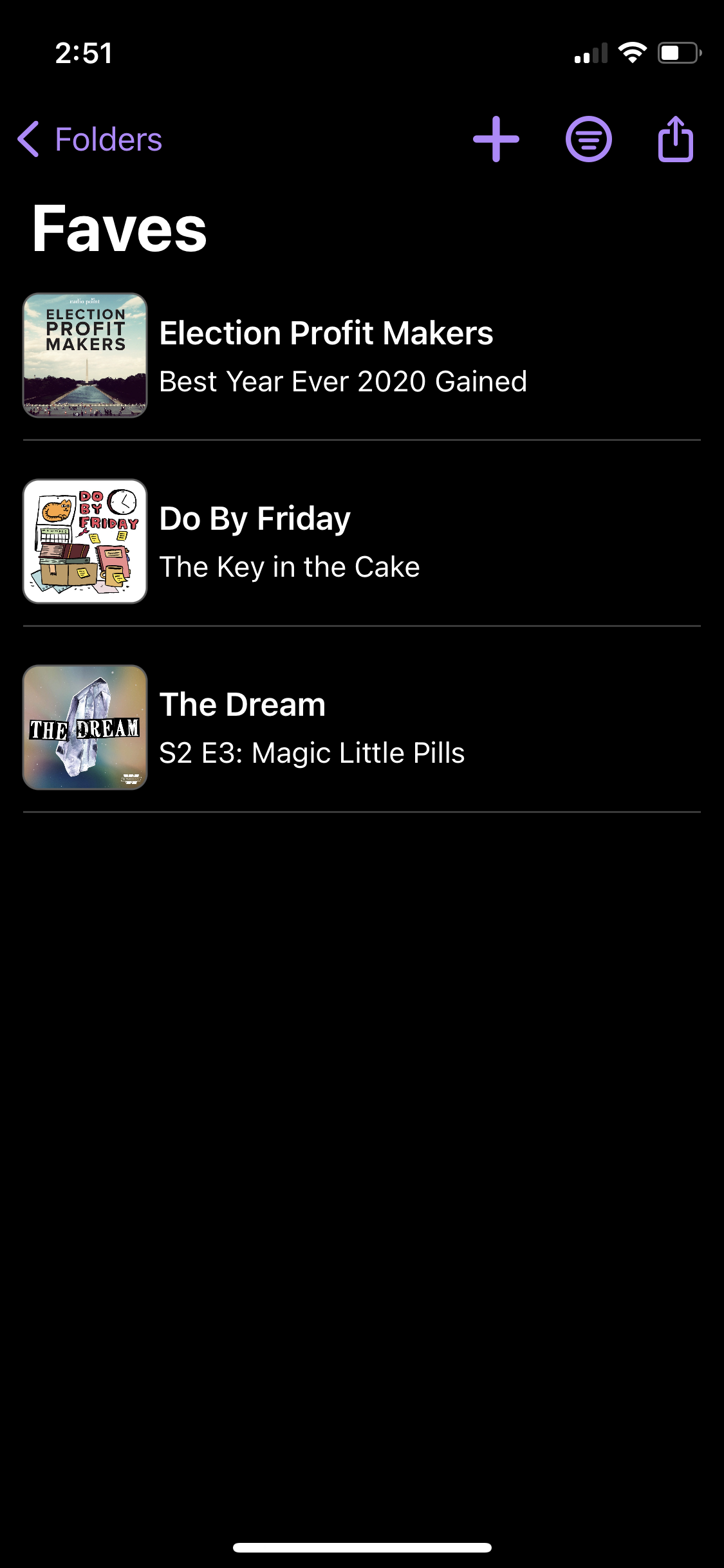

1. Build a list in Podmark

Building a list in Podmark

2. Export it as RSS

Exporting as RSS

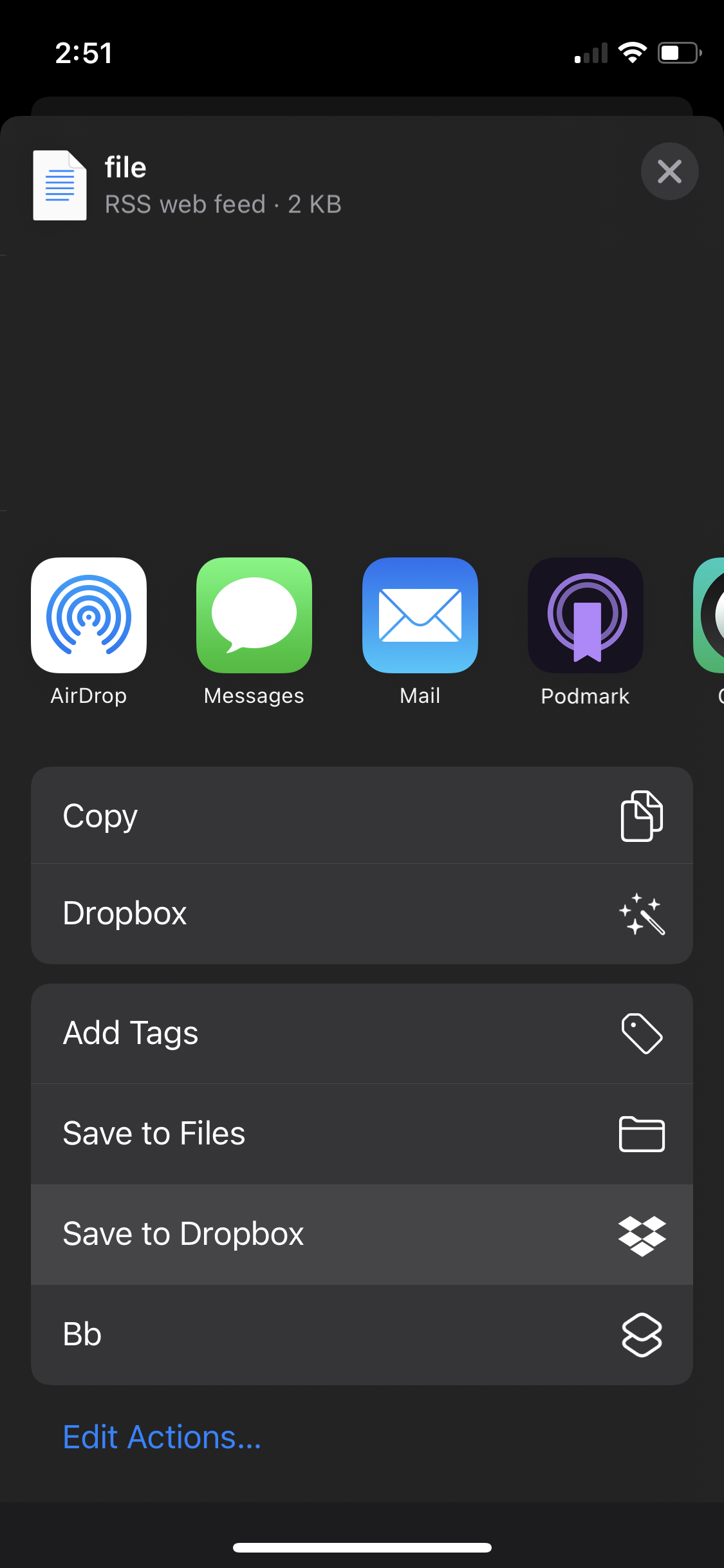
3. Save the file to Dropbox

Saving to Dropbox via share sheet

4. Create a shareable link to the Dropbox file. Usually they look something like this:

https://www.dropbox.com/s/b21acdsk21321/pod.rss?dl=0

5. Change the https://www.dropbox.com on your link to https://dl.dropboxusercontent.com, example:

https://dl.dropboxusercontent.com/s/b21acdsk21321/pod.rss?dl=0
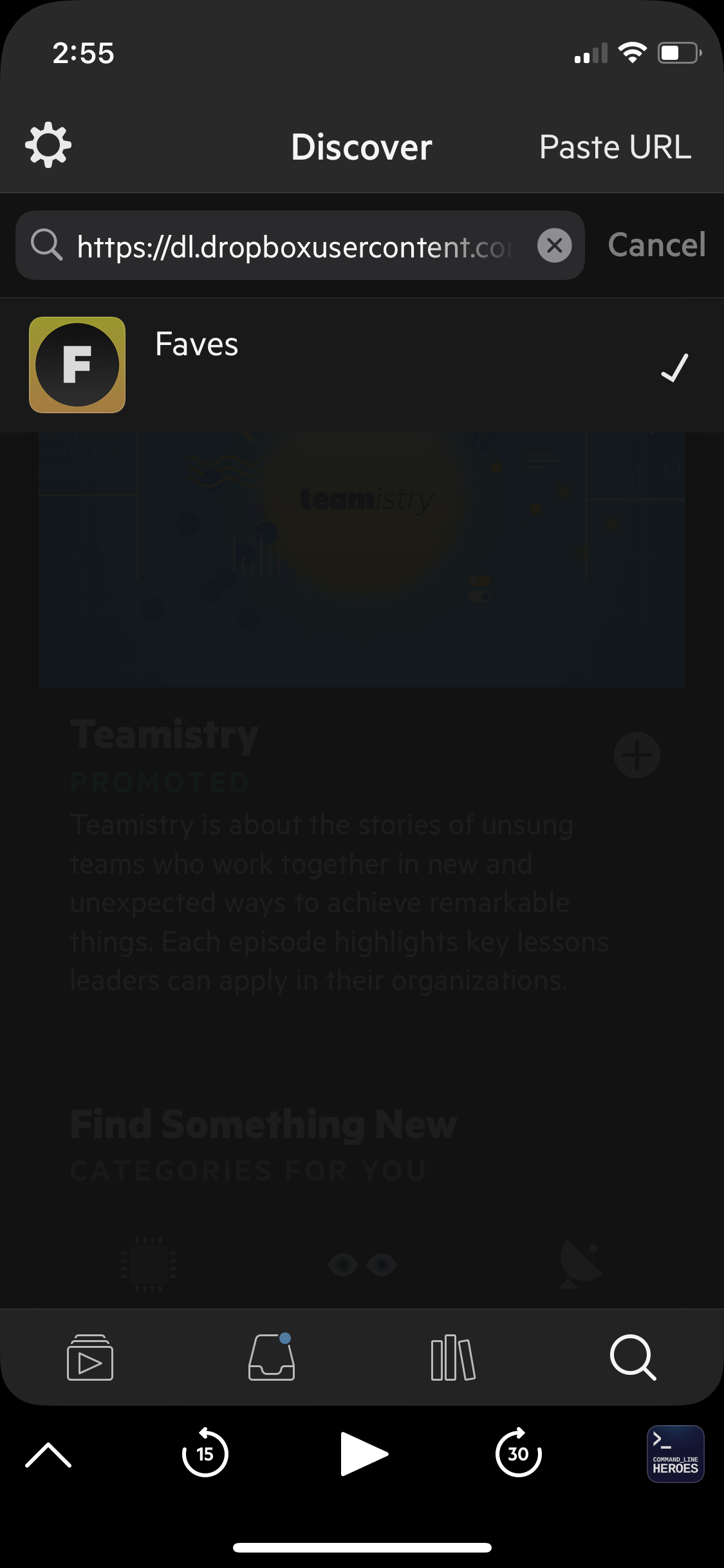
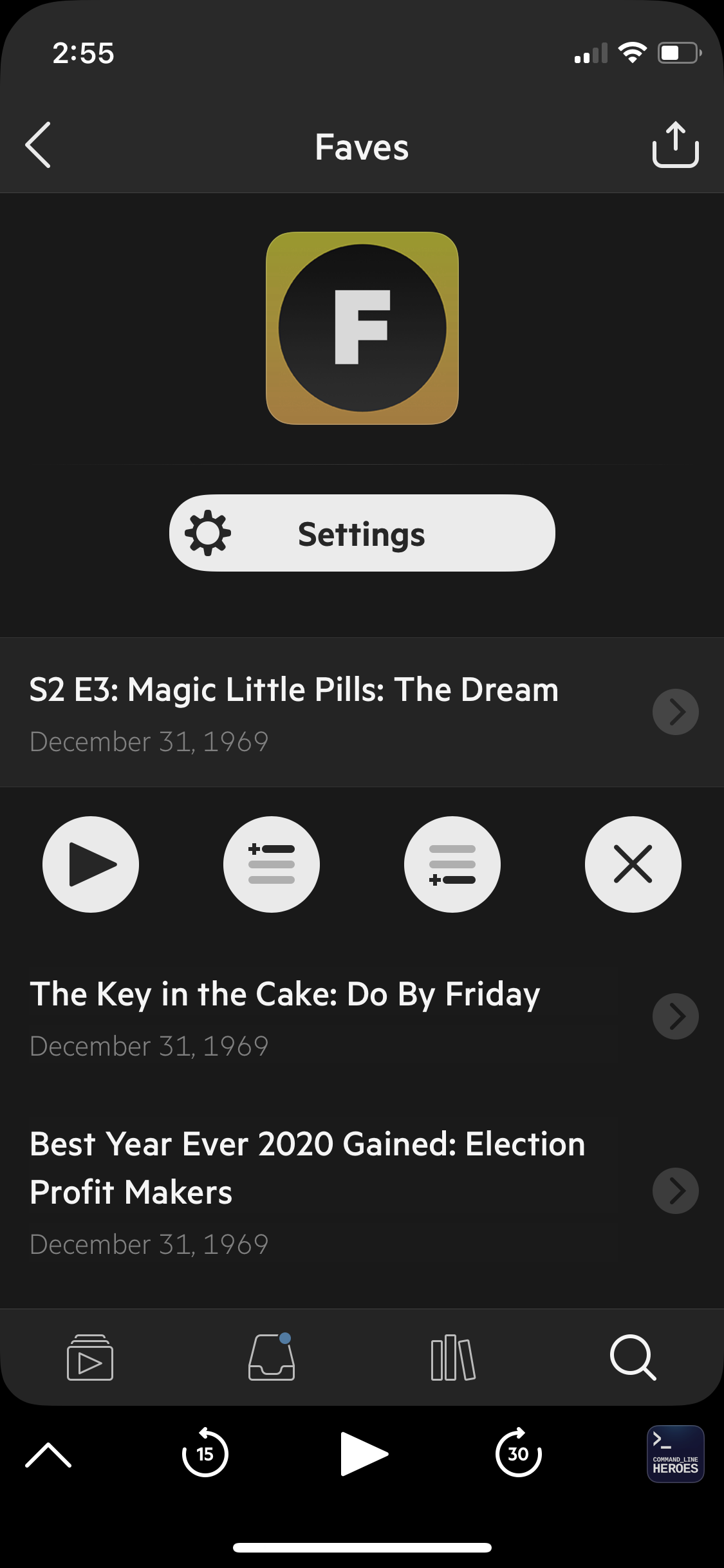
6. Paste that into your podcast app. The app should recognize it as a podcast feed.

Adding the feed to a podcast app Viewing the feed in a podcast app